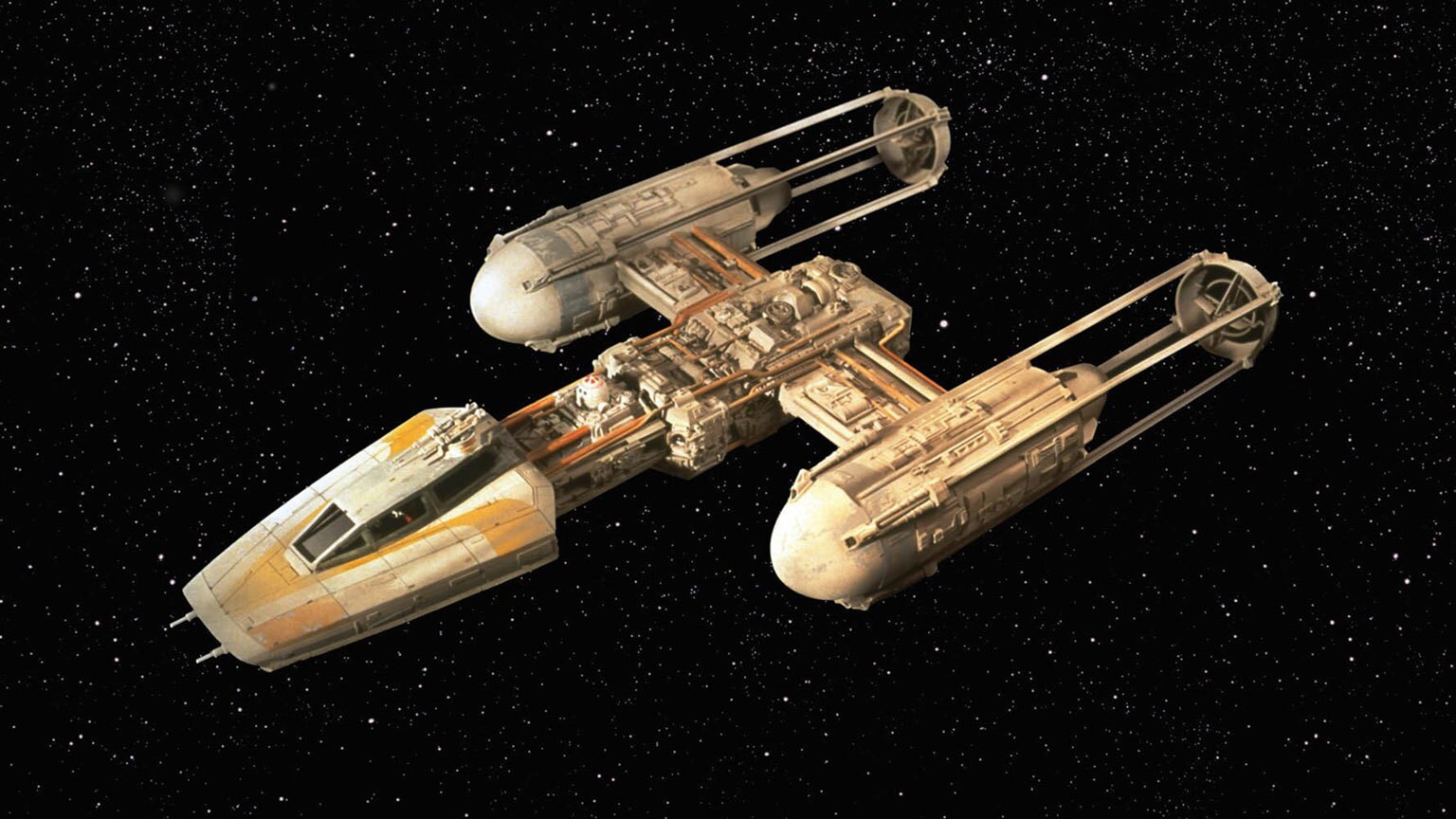
Images in public/ are served from the root, so public/y-wing.jpeg is just
/y-wing.jpeg. The prose styles center images automatically.
Basic image
Always write real alt text. It’s read aloud and shown when the image fails.
Captioned figure
Use a <figure> when the image needs a caption:

Side-by-side

External image

ASCII / box diagrams
No plugin needed. A fenced block keeps the spacing exact:
   ┌──────────┐      ┌──────────┐      ┌──────────┐
   │  Client  │ ───▶ │   API    │ ───▶ │    DB    │
   └──────────┘      └──────────┘      └──────────┘
        ▲                  │
        └──── response ────┘
On Mermaid diagrams: this site doesn’t have a Mermaid integration wired up, so
```mermaidblocks render as plain code. Either add the integration or paste a pre-rendered SVG/PNG intopublic/. For quick sketches, stick with ASCII.